Manter um determinado conjunto de contêineres é um dos principais benefícios do uso do Kubernetes .
Neste artigo, gostaria de entender esse aspecto na prática, ou seja, como verificar se os containers estão ativos e como eles são reiniciados se necessário, e também como nós, desenvolvedores de aplicativos, podemos ajudar o sistema de orquestração nesta questão.
Para começar a experimentar, preciso de um cluster Kubernetes. Usarei o ambiente de teste fornecido pelo Docker Desktop. Para fazer isso, você só precisa ativar o Kubernetes nas configurações.
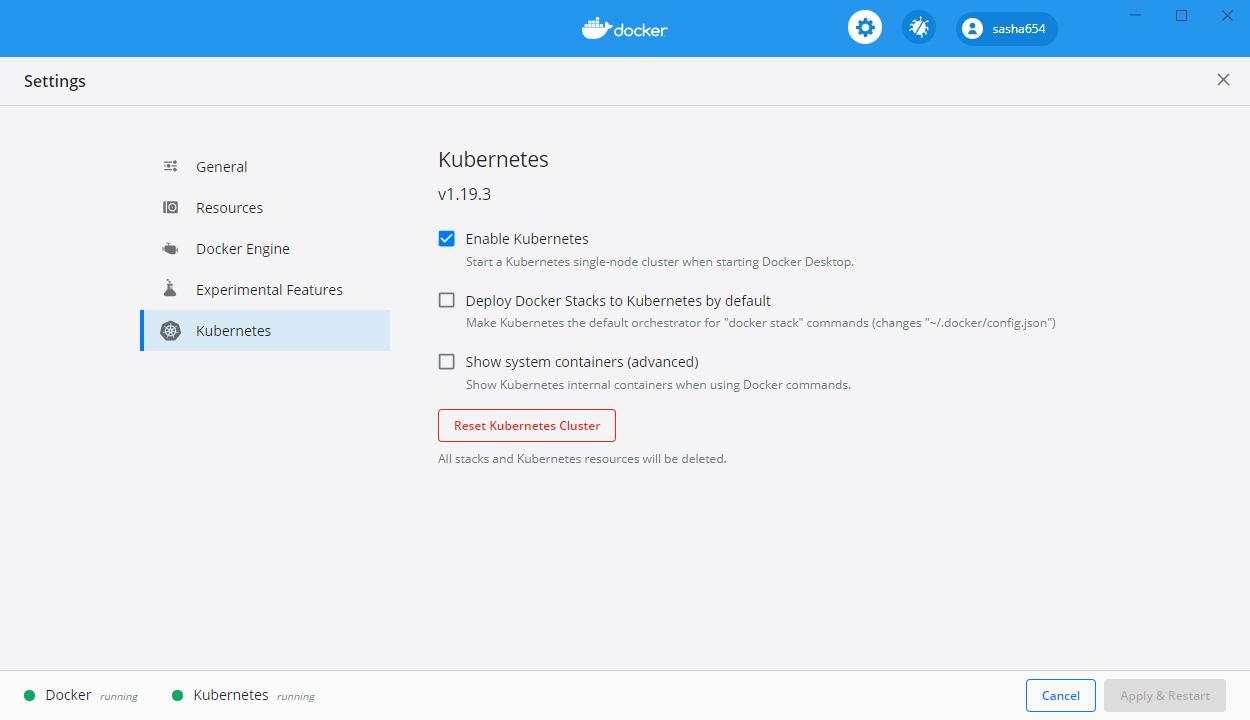
Como instalar o Docker Desktop no Windows 10 pode ser encontrado na primeira parte deste artigo .
Construindo uma API Web
Para mais experiências, criarei um serviço da Web simples com base no modelo ASP.NET Core Web API.
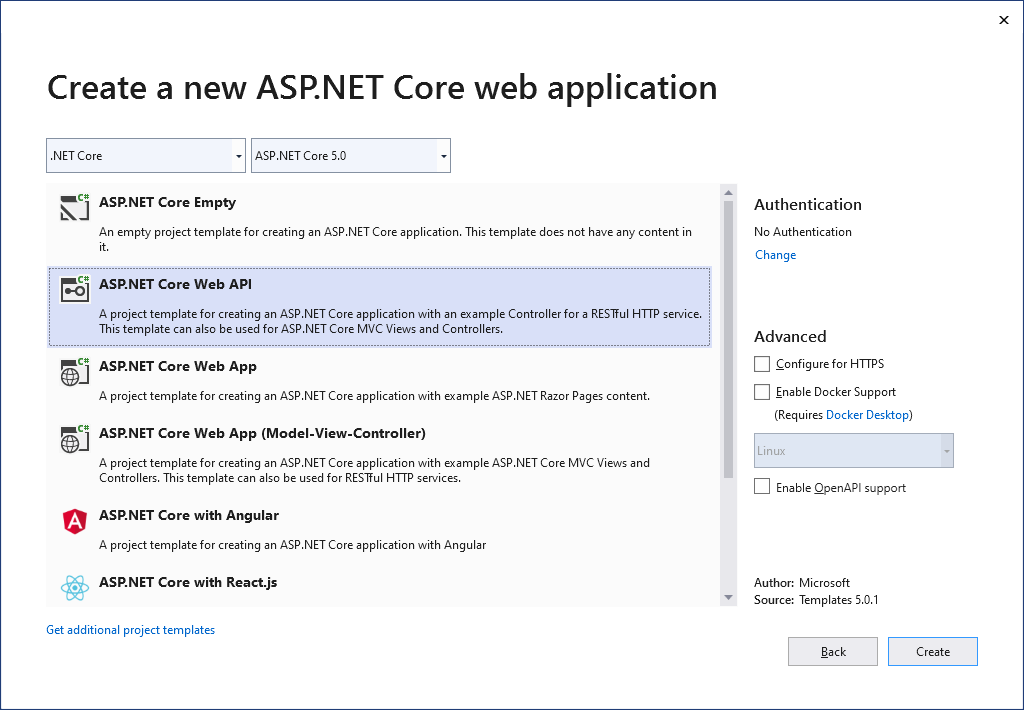
Vou adicionar através do Gerenciador de Pacotes um pacote para gerar texto aleatório com o comando Install-Package Lorem.Universal.Net -Version 3.0.69
Altere o arquivo Program.cs
using Microsoft.AspNetCore.Hosting;
using Microsoft.Extensions.Hosting;
using System;
namespace WebApiLiveness
{
public class Program
{
private static int _port = 80;
private static TimeSpan _kaTimeout = TimeSpan.FromSeconds(1);
public static void Main(string[] args)
{
CreateAndRunHost(args);
}
public static void CreateAndRunHost(string[] args)
{
var host = Host
.CreateDefaultBuilder(args)
.ConfigureWebHostDefaults(webBuilder =>
{
webBuilder
.UseKestrel(options =>
{
options.ListenAnyIP(_port);
options.Limits.KeepAliveTimeout = _kaTimeout;
})
.UseStartup<Startup>();
})
.Build();
host.Run();
}
}
}
Vou adicionar a classe LoremService ao projeto , que retornará um texto gerado aleatoriamente
using LoremNET;
namespace WebApiLiveness.Services
{
public class LoremService
{
private int _wordCountMin = 7;
private int _wordCountMax = 12;
public string GetSentence()
{
var sentence = Lorem.Sentence(_wordCountMin, _wordCountMax);
return sentence;
}
}
}
Na aula de inicialização irei registrar o serviço criado
public void ConfigureServices(IServiceCollection services)
{
services.AddSingleton<LoremService>();
services.AddControllers();
}
LoremController
using Microsoft.AspNetCore.Mvc;
using System;
using System.Net;
using WebApiLiveness.Services;
using Env = System.Environment;
namespace WebApiLiveness.Controllers
{
[ApiController]
[Route("api/[controller]")]
public class LoremController : ControllerBase
{
private readonly LoremService _loremService;
public LoremController(LoremService loremService)
{
_loremService = loremService;
}
//GET api/lorem
[HttpGet]
public ActionResult<string> Get()
{
try
{
var localIp = Request.HttpContext.Connection.LocalIpAddress;
var loremText = _loremService.GetSentence();
var result =
$"{Env.MachineName} ({localIp}){Env.NewLine}{loremText}";
return result;
}
catch (Exception)
{
return new StatusCodeResult(
(int)HttpStatusCode.ServiceUnavailable);
}
}
}
}
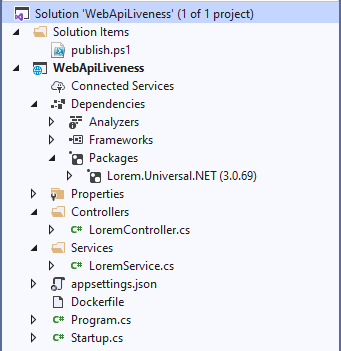
, Dockerfile . , ASP.NET .NET 5.
FROM mcr.microsoft.com/dotnet/aspnet:5.0-buster-slim
COPY bin/Release/net5.0/linux-x64/publish/ App/
WORKDIR /App
ENTRYPOINT ["dotnet", "WebApiLiveness.dll"]
dotnet publish -c Release -r linux-x64
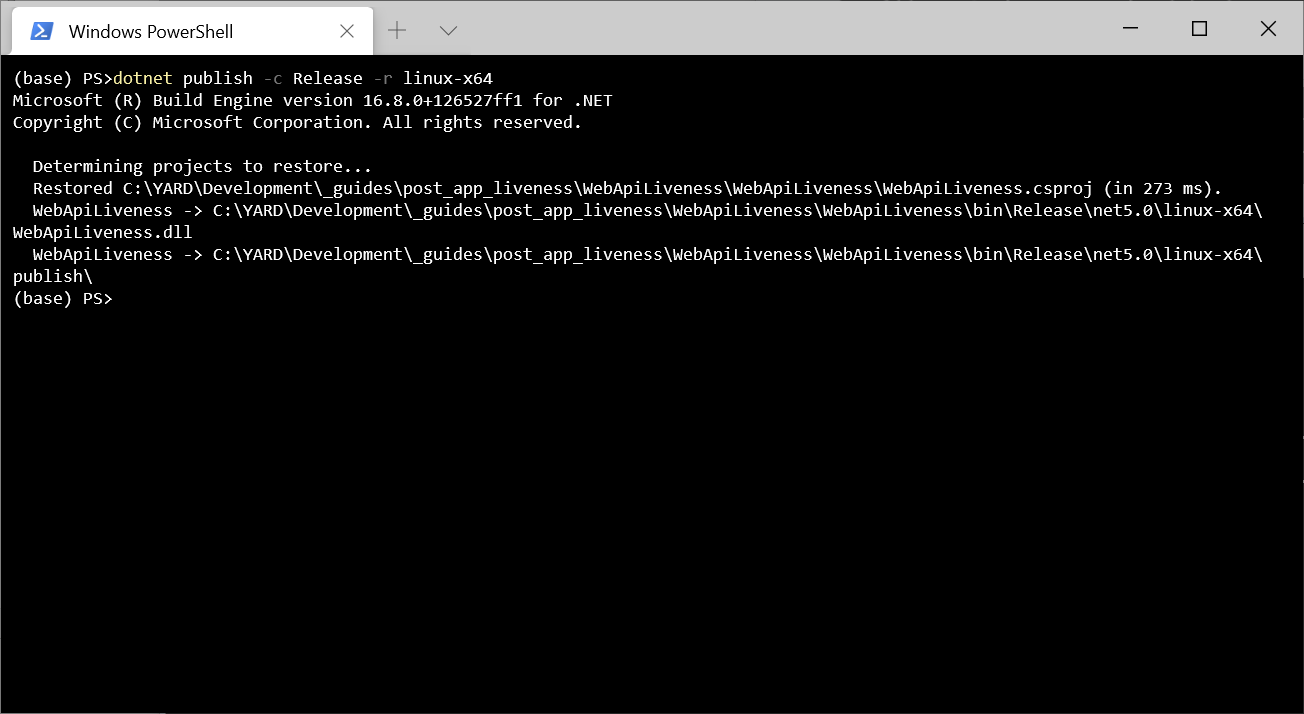
, Dockerfile. , docker build -t sasha654/webapiliveness .
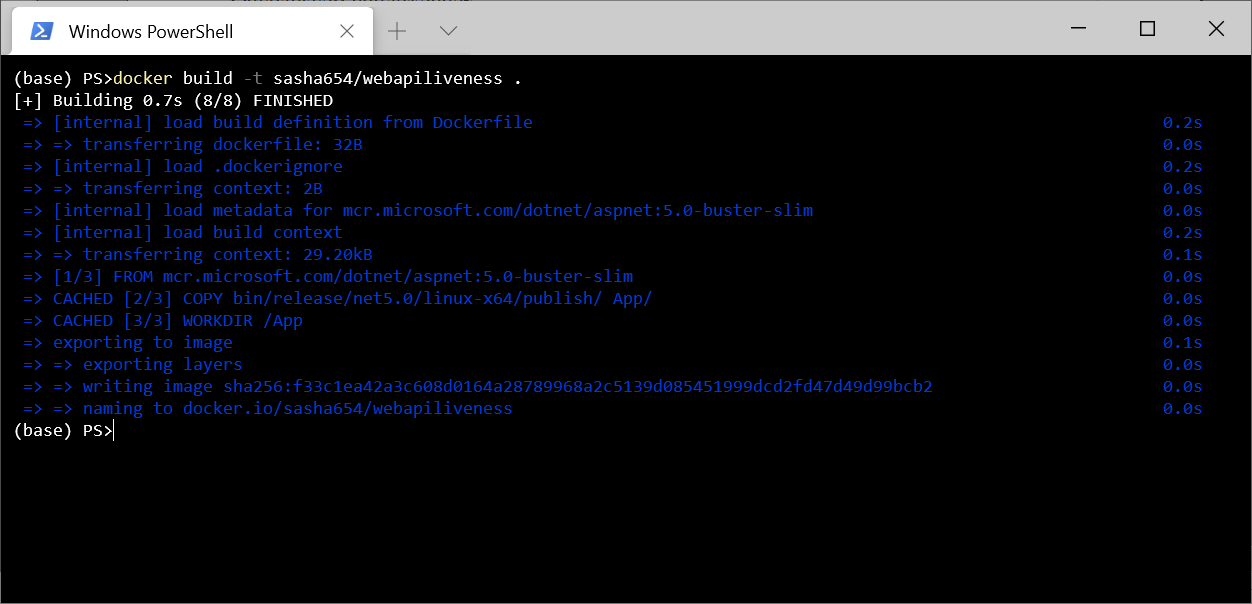
, Docker Hub docker push sasha654/webapiliveness
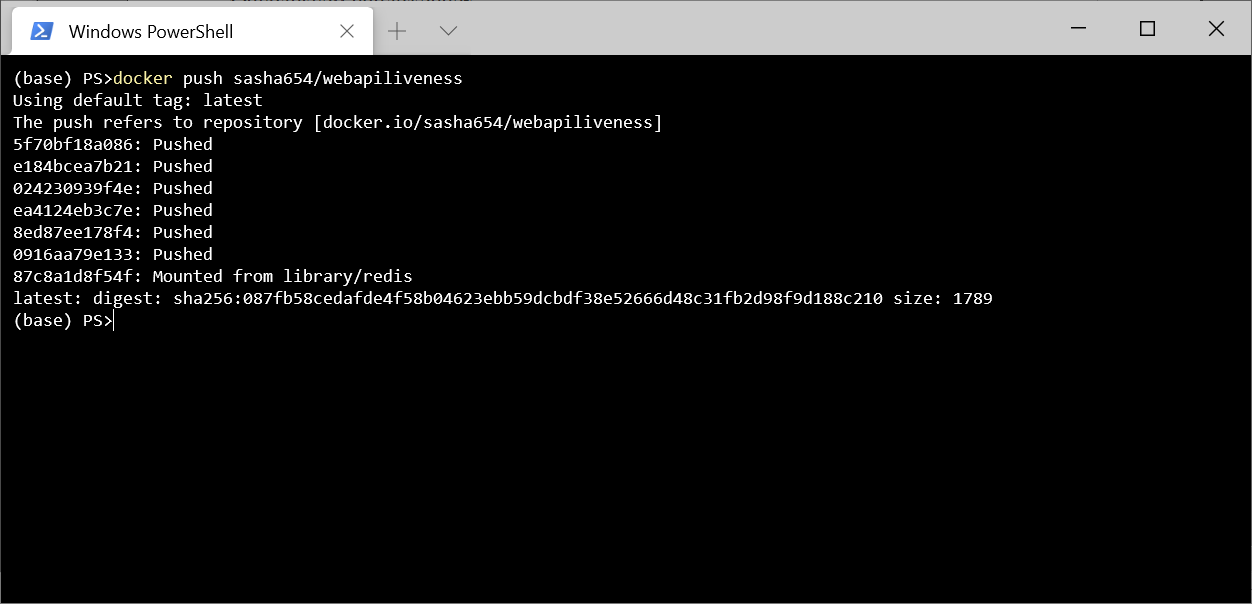
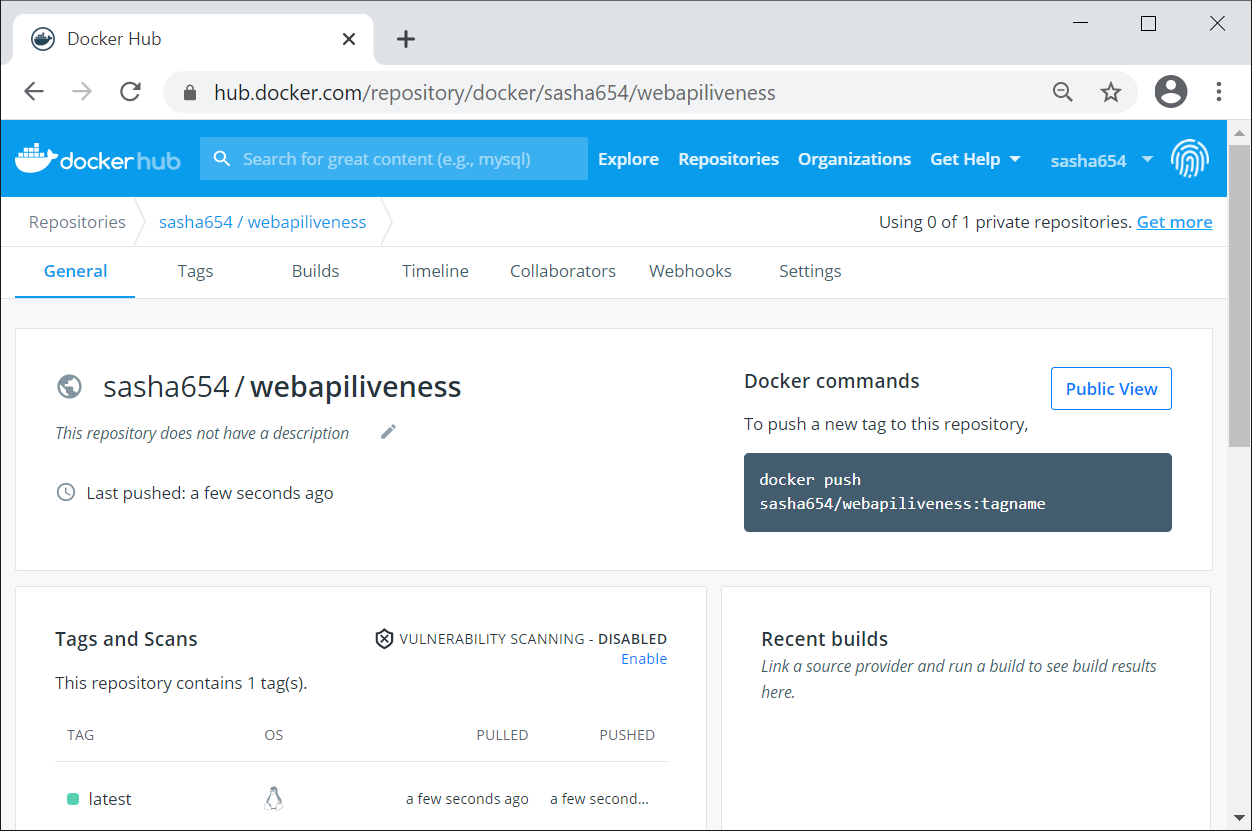
. Docker Hub, , sasha654 Docker ID, .
Kubernetes, , Docker docker run -p 8080:80 -d sasha654/webapiliveness
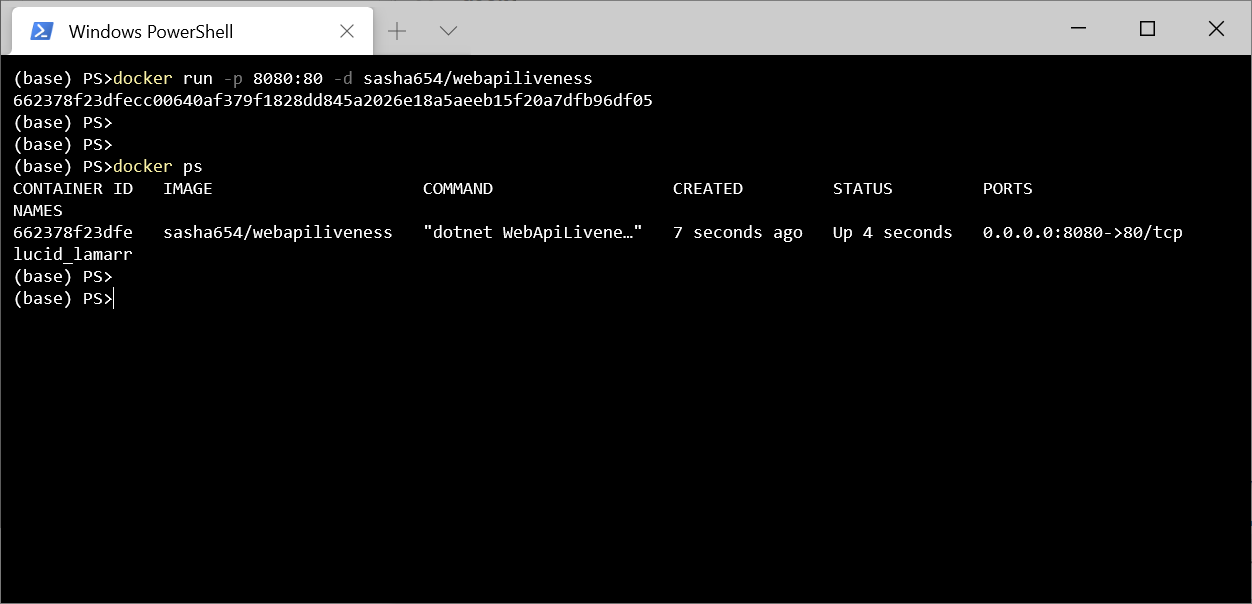
curl http://localhost:8080/api/lorem
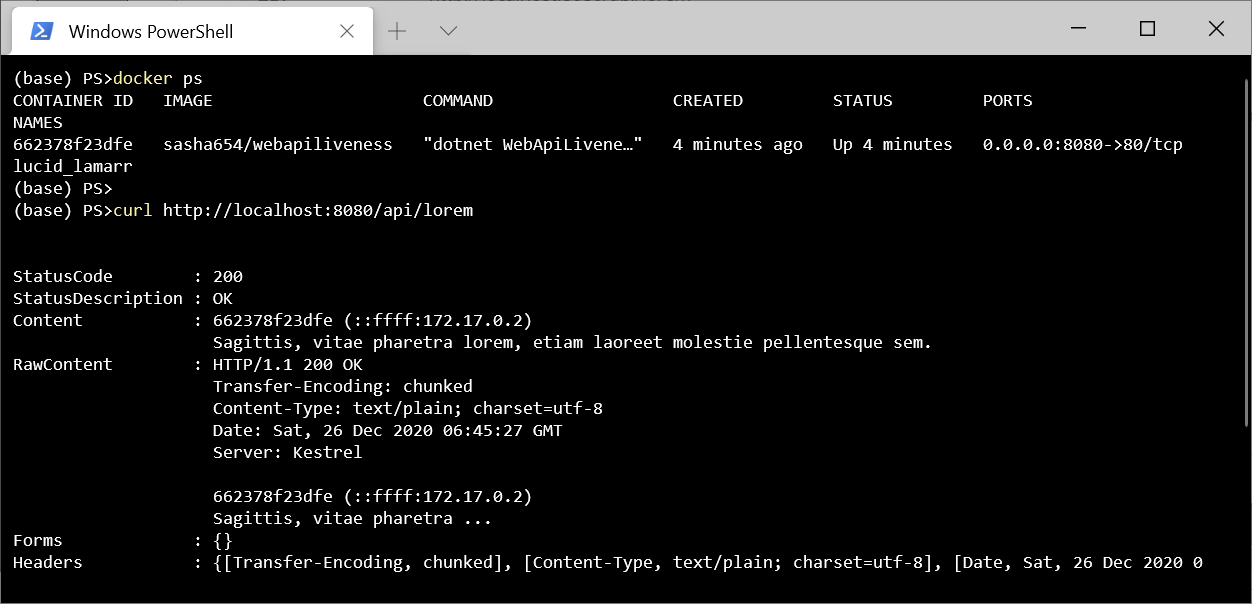
! , , .
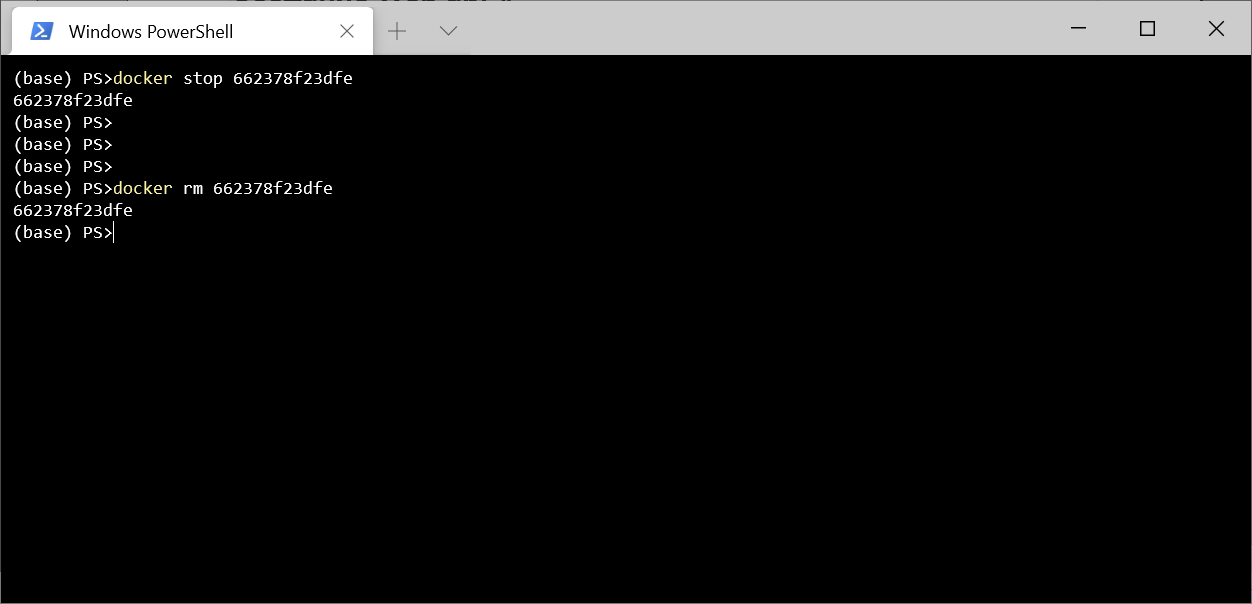
Kubernetes
Kubernetes, Pod – , () ( ) .
. Kubernetes – ReplicaSet, .
ReplicaSet 3 sasha654/webapiliveness. api: loremapi.
apiVersion: apps/v1
kind: ReplicaSet
metadata:
name: myrs
spec:
replicas: 3
selector:
matchLabels:
api: loremapi
template:
metadata:
labels:
api: loremapi
spec:
containers:
- name: webapiliveness
image: sasha654/webapiliveness
kubectl create -f kuber-rs.yaml
, kubectl get rs
kubectl get pods --show-labels
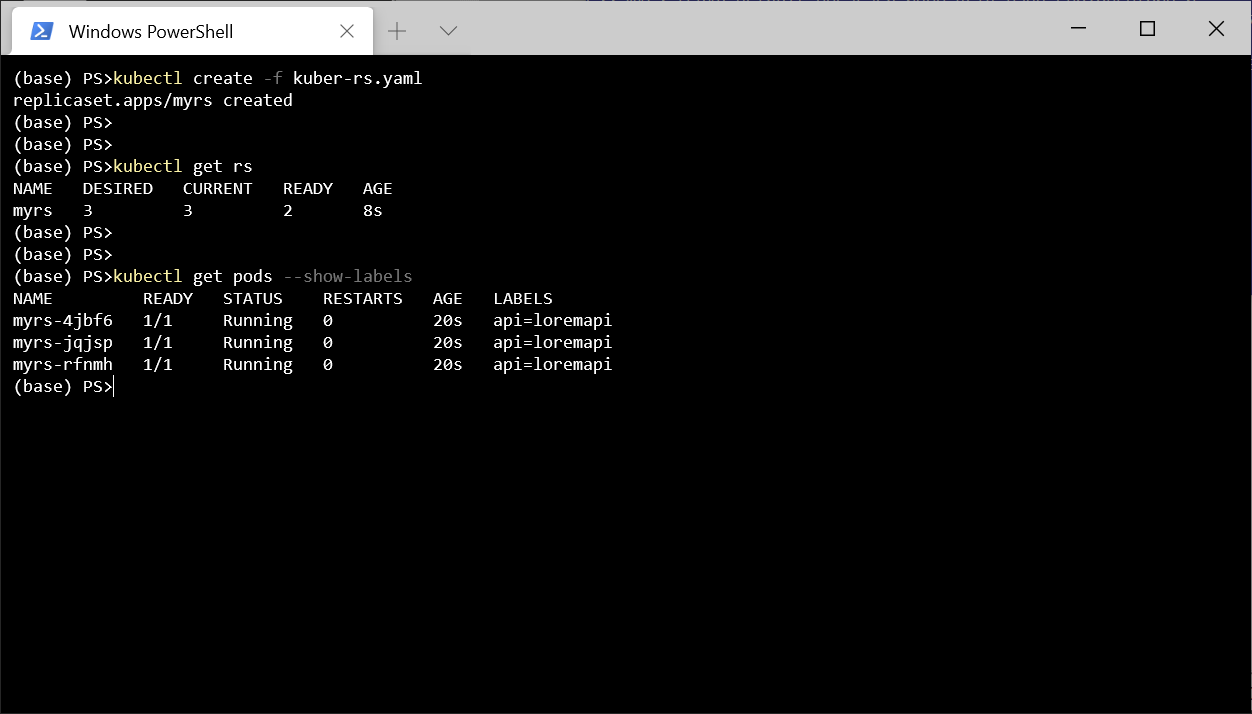
, Service LoadBalancer . , , spec.
apiVersion: v1
kind: Service
metadata:
name: mylb
spec:
type: LoadBalancer
selector:
api: loremapi
ports:
- port: 8080
targetPort: 80
kubectl get svc
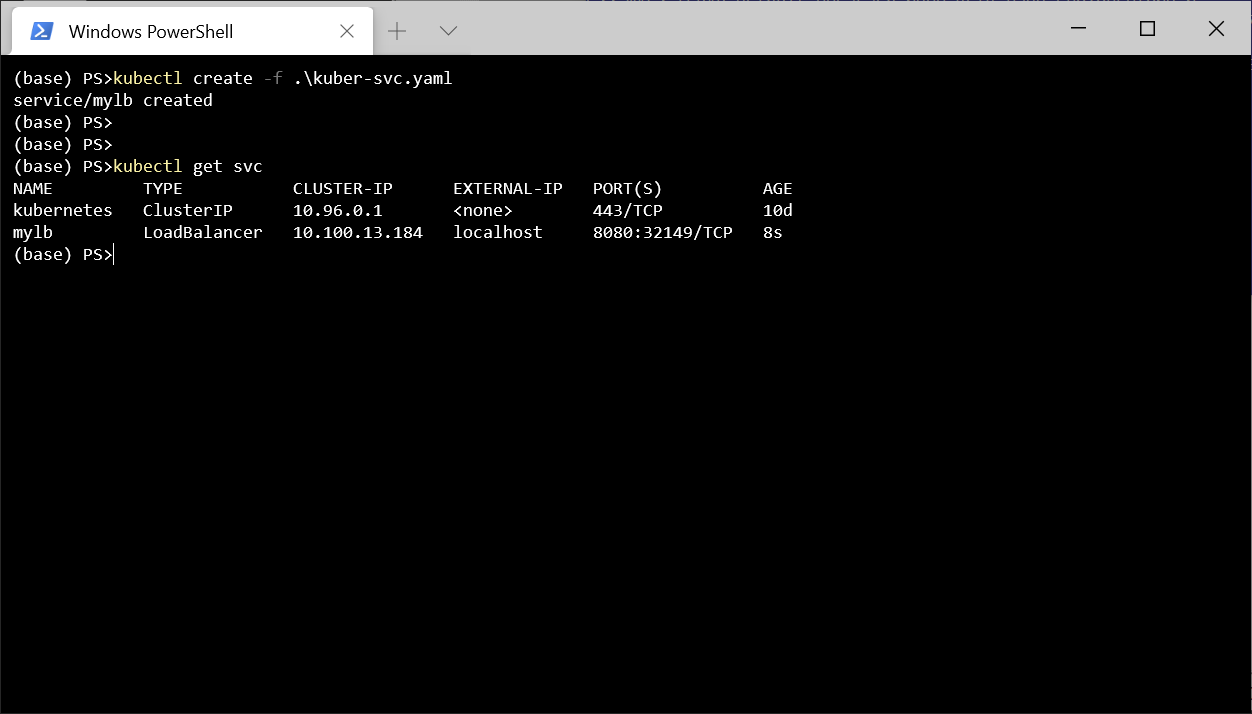
Postman http://localhost:8080/api/lorem
. .
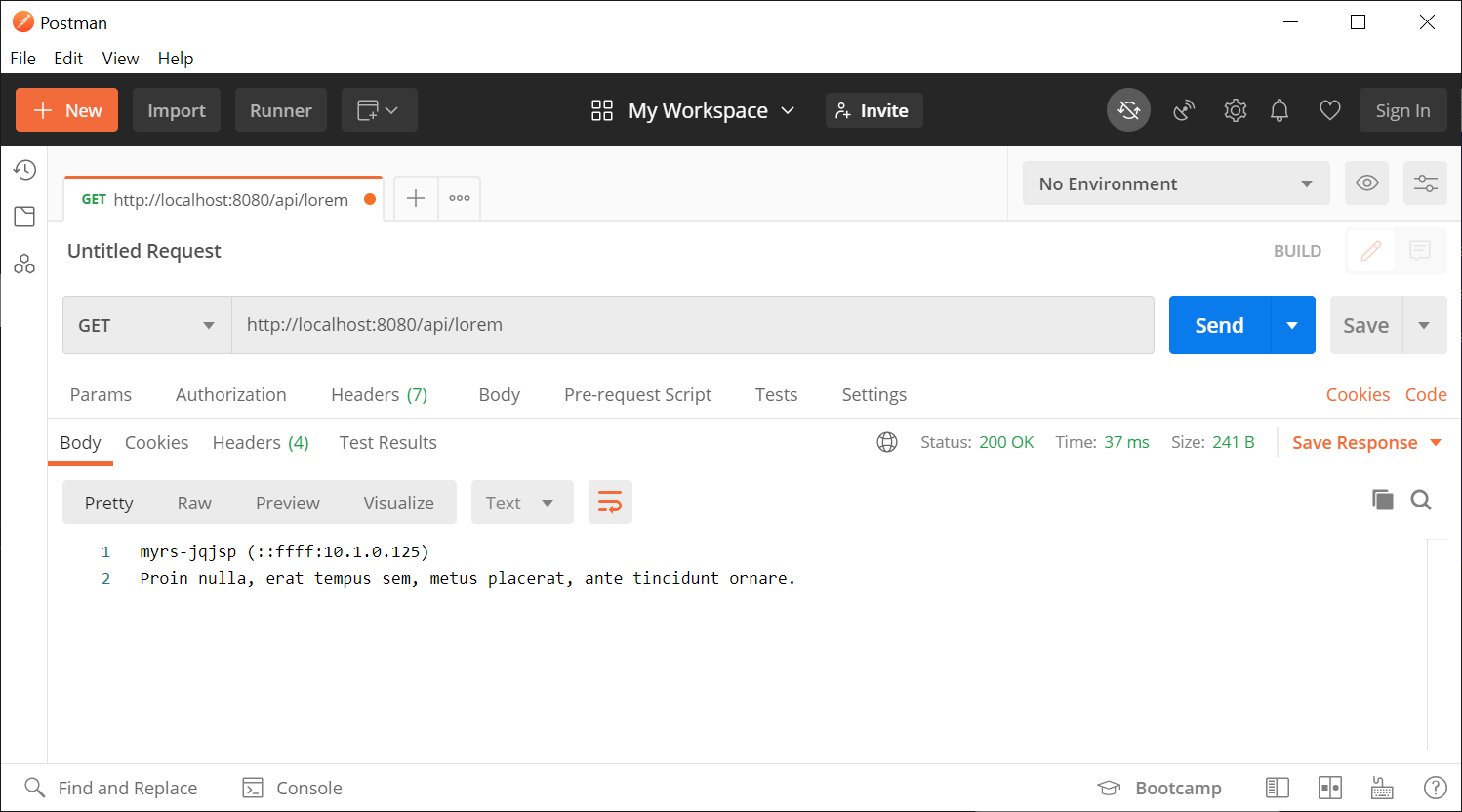
. . , , . , . , , Program.cs KeepAliveTimeout 1 , 2 , . , , , .
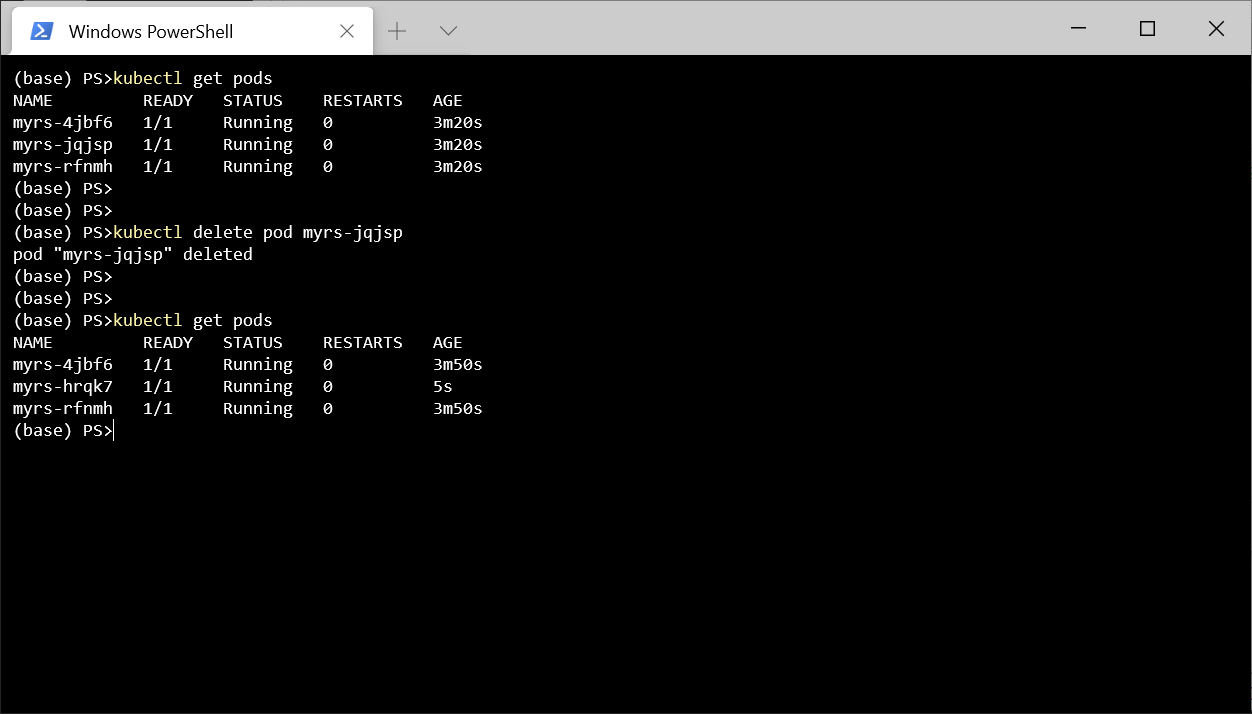
- , , - , , Kubernetes . Pod , , - , Kubernetes Pod.
, kubectl delete pod myrs-jqjsp
, , .
kubectl delete all --all
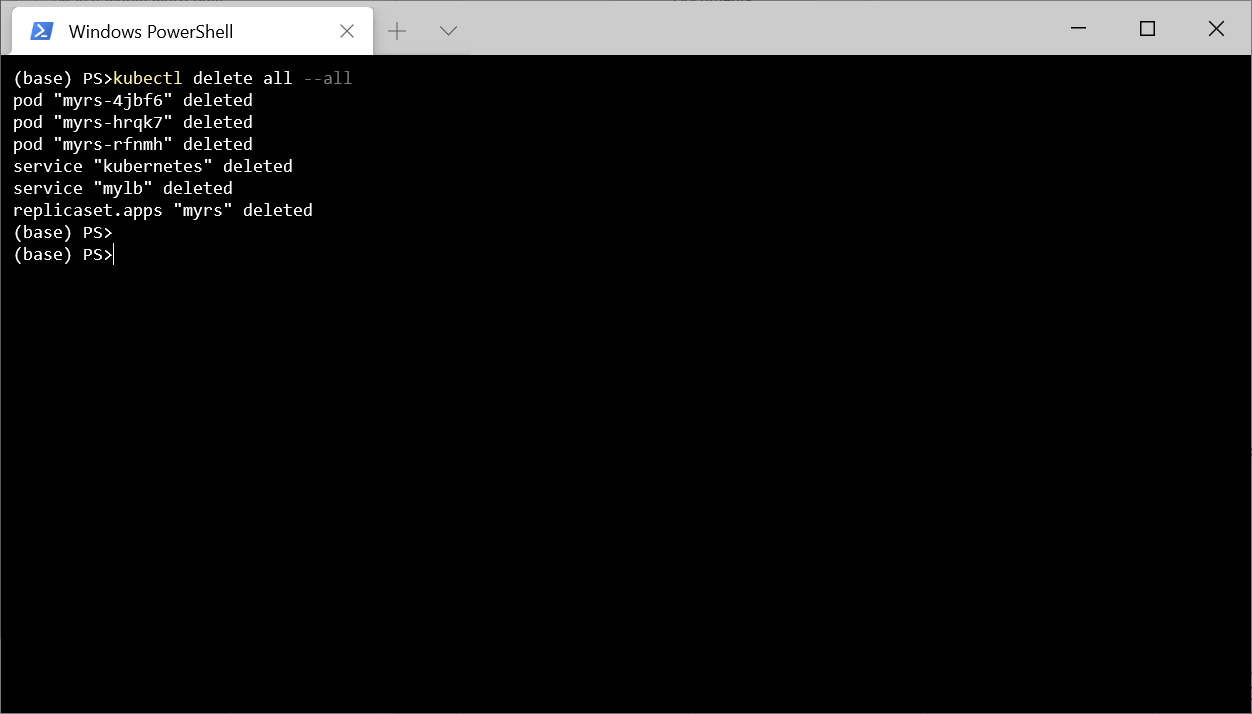
, , Kuberntes .
, , , Kubernetes , . , , , Kubernetes, .
, 3 .
exec. 0, .
TCP-. , .
GET- . , , , .
-, GET-. Docker Hub 1, .. - 2 .
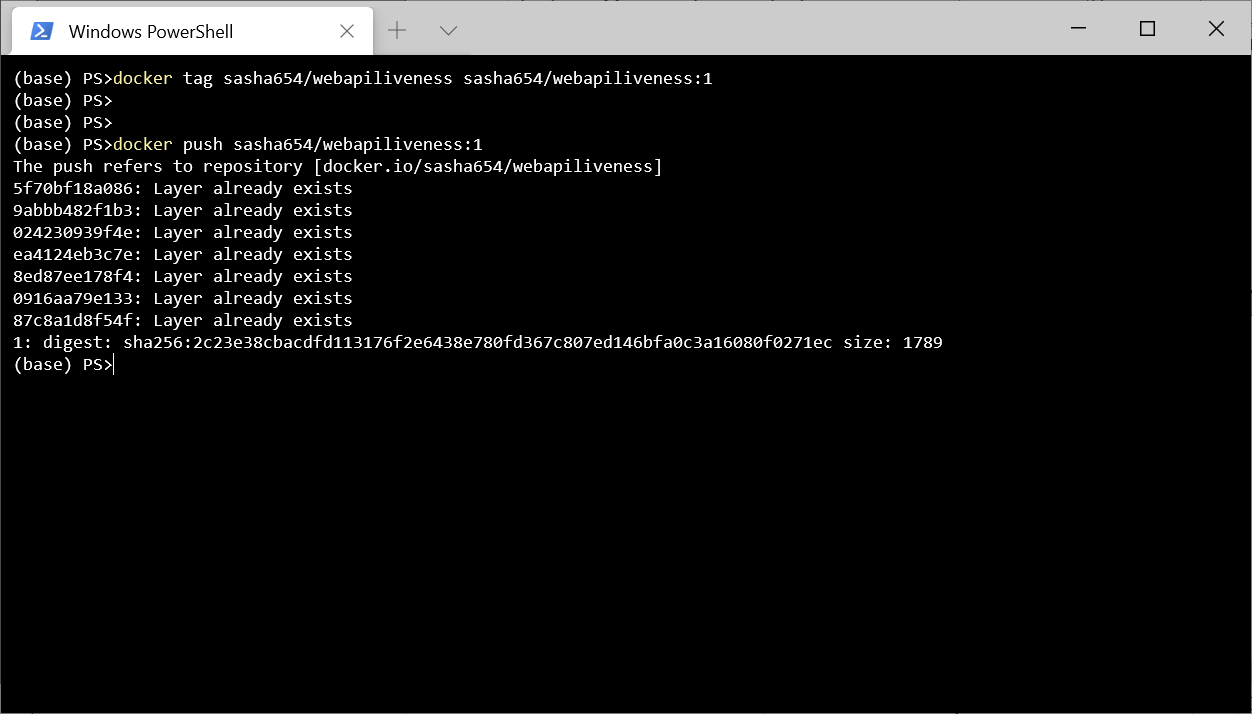
LoremService , API, , Kubernetes .
using LoremNET;
using System;
namespace WebApiLiveness.Services
{
public class LoremService
{
private int _wordCountMin = 7;
private int _wordCountMax = 12;
private int _numRequestBeforeError = 5;
private int _requestCounter = 0;
public LoremService()
{
IsOk = true;
}
public bool IsOk { get; private set; }
public string GetSentence()
{
if (_requestCounter < _numRequestBeforeError)
{
_requestCounter++;
var sentence = Lorem.Sentence(
_wordCountMin, _wordCountMax);
return sentence;
}
else
{
IsOk = false;
throw new InvalidOperationException(
$"{nameof(LoremService)} not available");
}
}
}
}
HealthController, GET- .
using Microsoft.AspNetCore.Mvc;
using System.Net;
using WebApiLiveness.Services;
namespace WebApiLiveness.Controllers
{
[ApiController]
[Route("api/[controller]")]
public class HealthController
{
private readonly LoremService _loremService;
public HealthController(LoremService loremService)
{
_loremService = loremService;
}
//GET api/health
[HttpGet]
public StatusCodeResult Get()
{
if (_loremService.IsOk)
{
return new OkResult();
}
else
{
return new StatusCodeResult(
(int)HttpStatusCode.ServiceUnavailable);
}
}
}
}
, Docker Hub, 2.
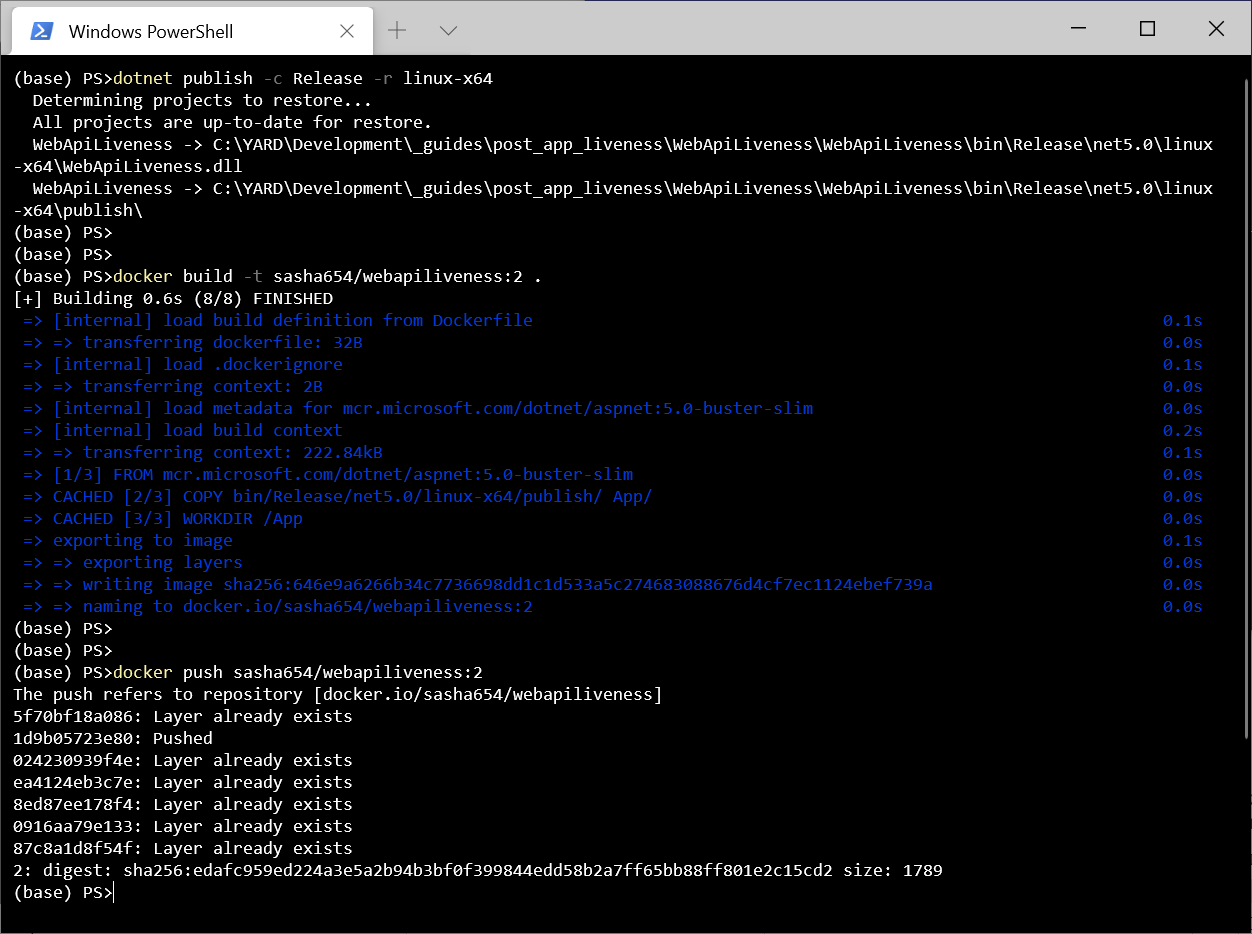
ReplicaSet . , , 1 , livenessProbe, Kubernetes .
apiVersion: apps/v1
kind: ReplicaSet
metadata:
name: myrs
spec:
replicas: 1
selector:
matchLabels:
api: loremapi
template:
metadata:
labels:
api: loremapi
spec:
containers:
- name: webapiliveness
image: sasha654/webapiliveness:2
livenessProbe:
httpGet:
path: /api/health
port: 80
initialDelaySeconds: 10
periodSeconds: 3
. , ReplicaSet Service.
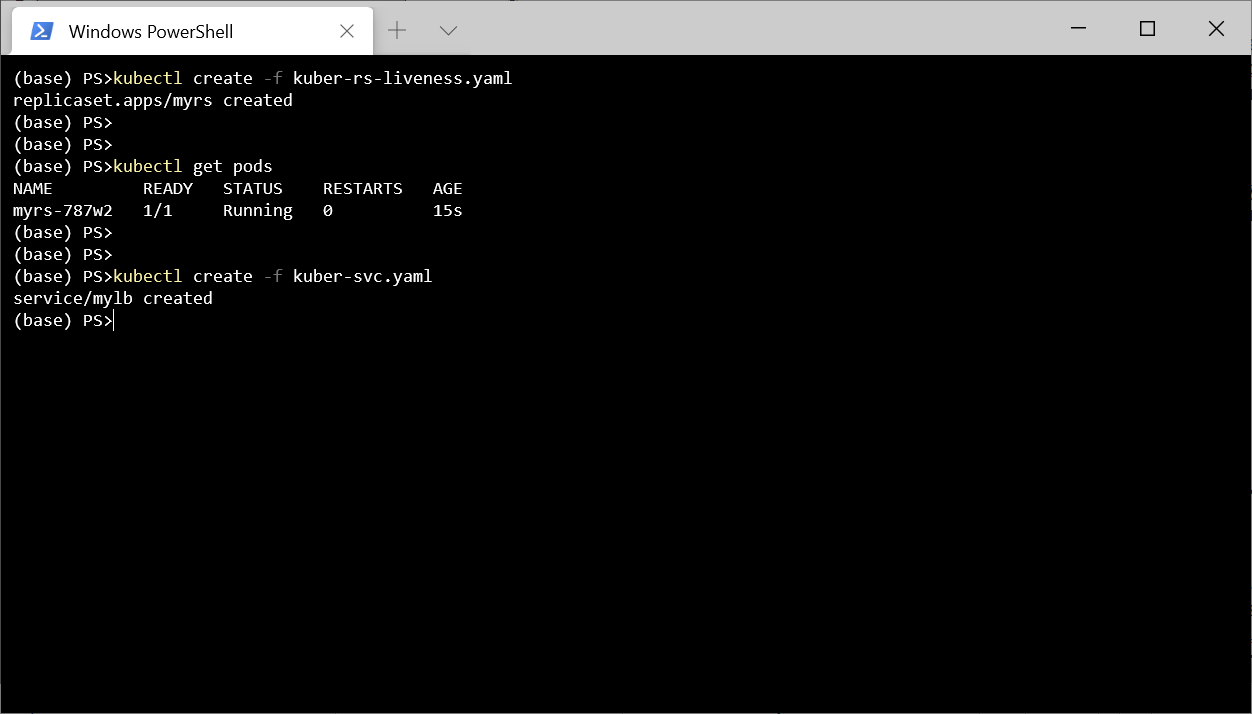
5 http://localhost:8080/api/lorem
.
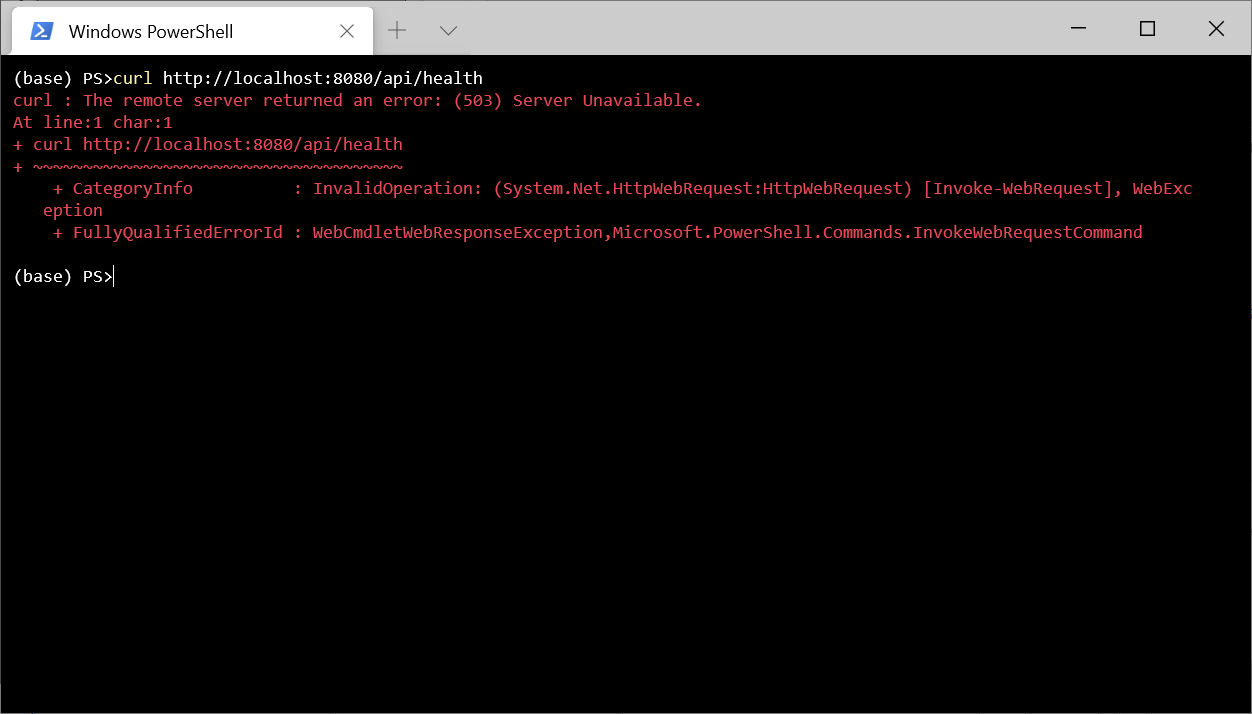
.
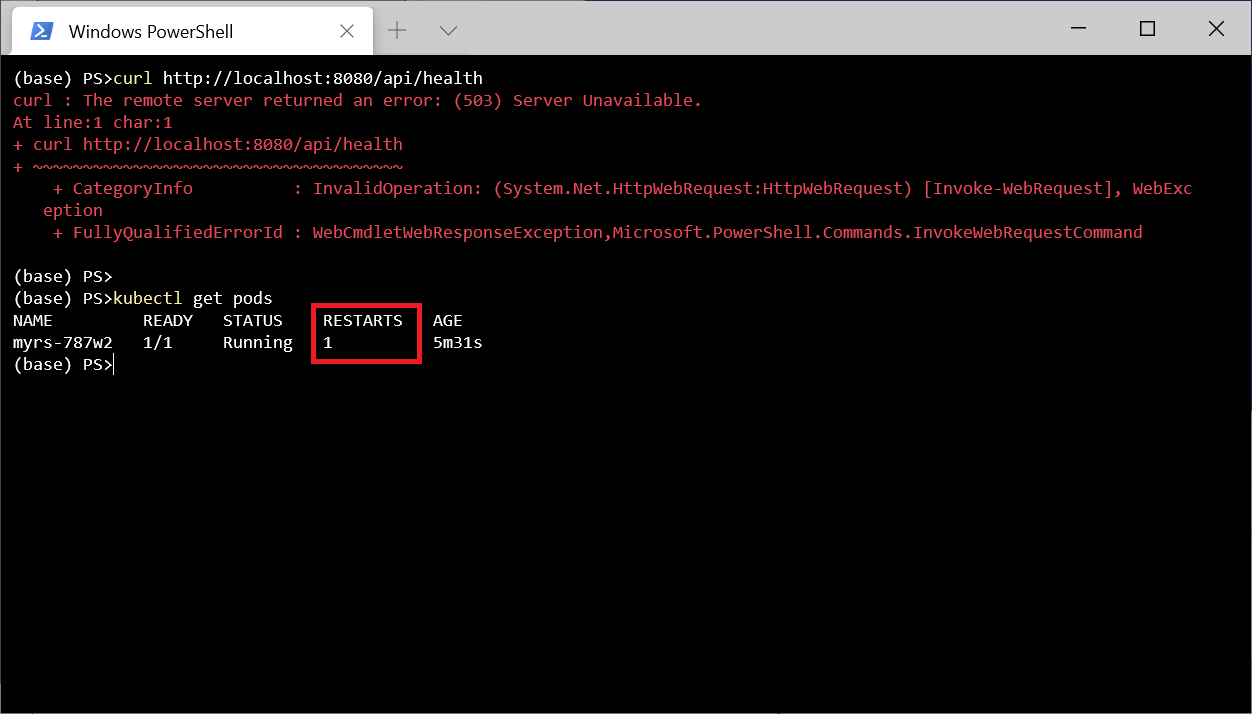
, kubectl describe pod myrs-787w2
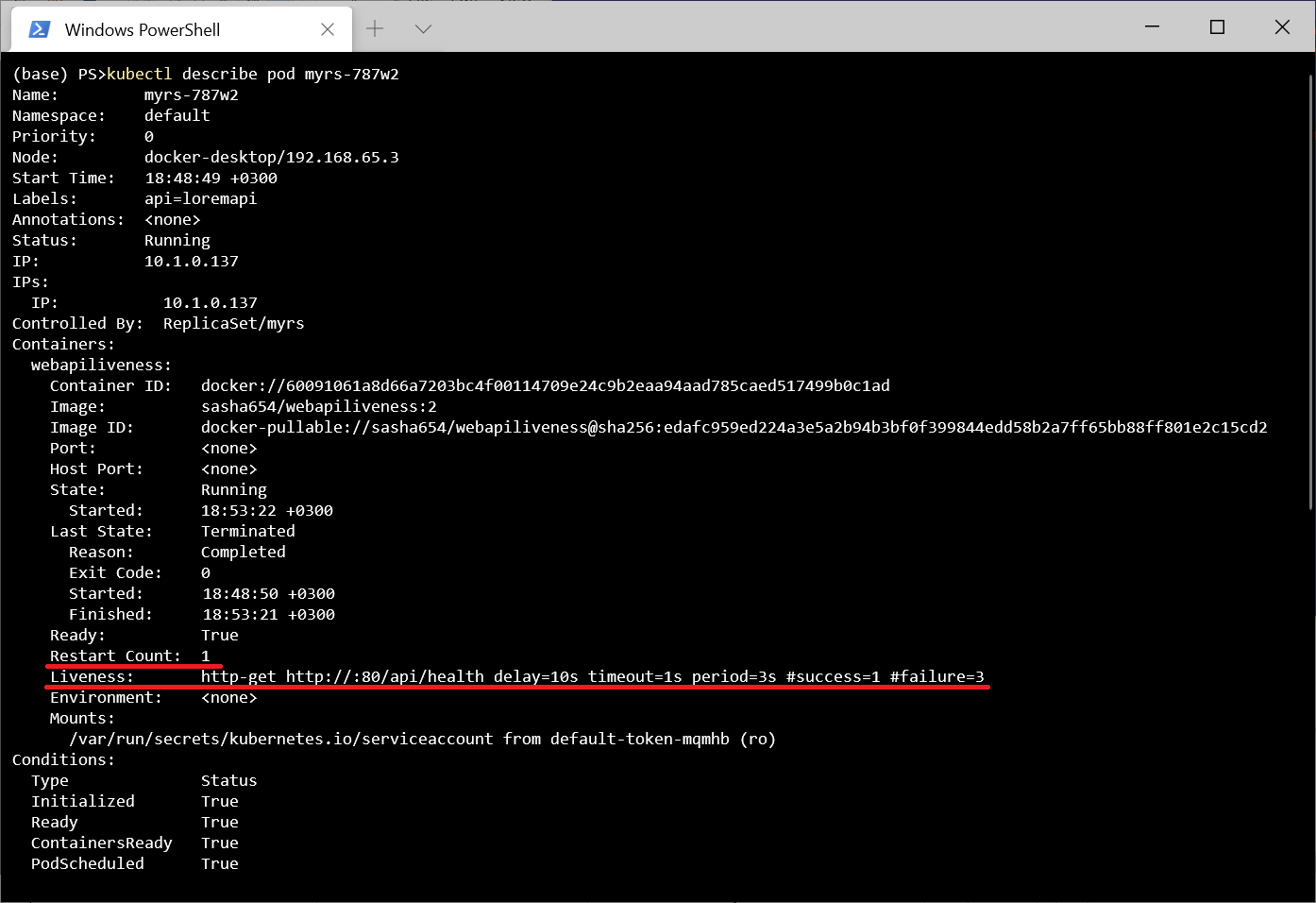
.
, , Kebernetes - (Readiness). , , . . - . , . , , Kubernetes .
Por fim, mencionarei que o ASP.NET fornece middleware Microsoft.AspNetCore.Diagnostics.HealthChecks para facilitar a criação de scripts de teste. Em particular, existem funções que permitem verificar recursos externos, por exemplo, um SQL Server DBMS ou uma API remota.
Aqui está o repositório do projeto .